Axxess
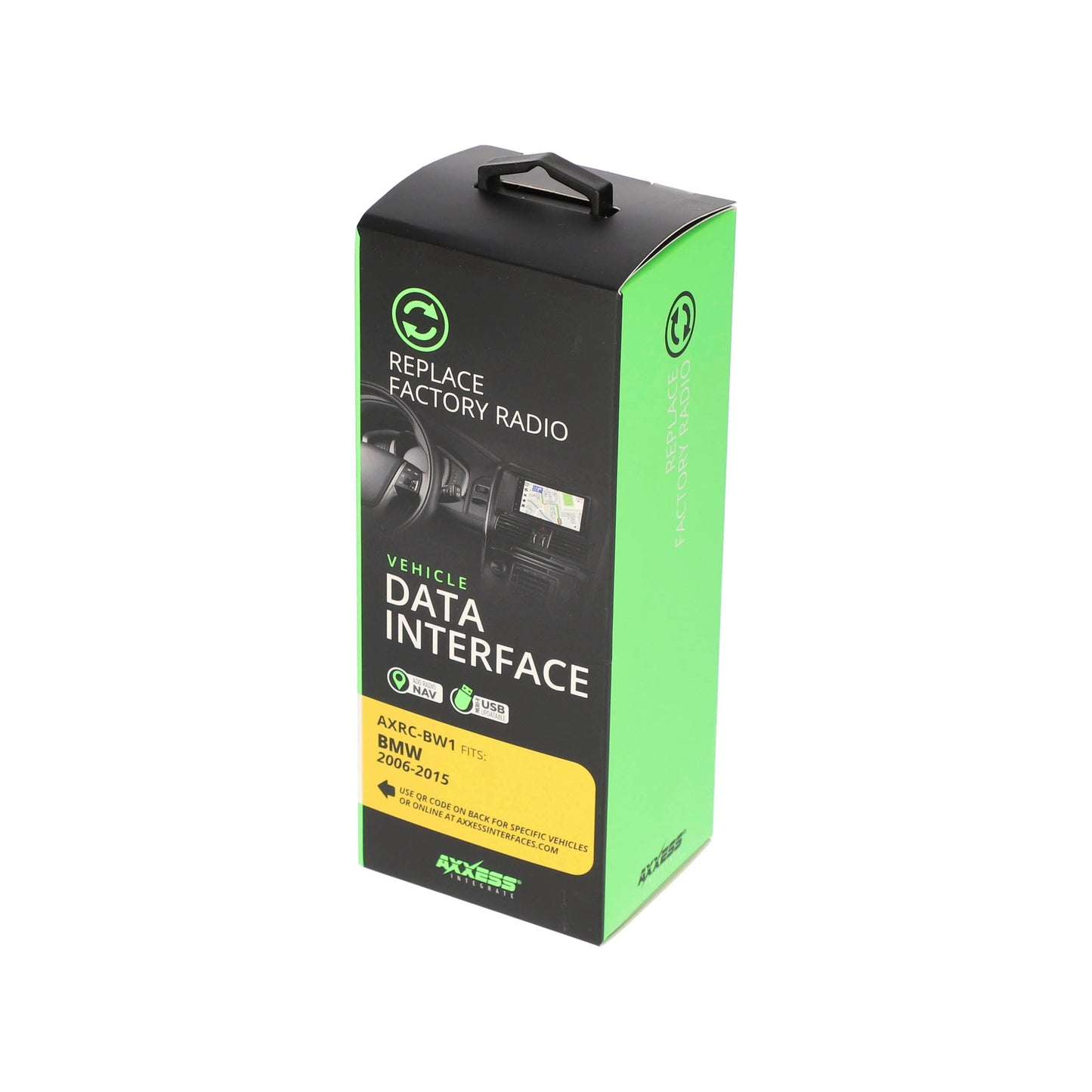
Axxess AXRC-BW1 BMW Mini Chime Retention Interface 2006-2015
Axxess AXRC-BW1 BMW Mini Chime Retention Interface 2006-2015
Couldn't load pickup availability
Buy with the right details confirmed
Confirm the size, power, connections, and included or separately required parts described on this page.
- Authorized retailer New, authentic product from MCOR Automotive.
- Fast U.S. shipping Review shipping details
- Expert help since 2004 Ask MCOR before you order
- Clear return terms Review the return policy
Axxess AXRC-BW1 is a chime retention and radio replacement data interface for select BMW and Mini vehicles 2006-2015. It helps provide accessory power, retained accessory power, warning chimes, and navigation-output wiring support when replacing the factory radio in compatible vehicles.
At a Glance
- Provides accessory power (12-volt 10-amp)
- Retains R.A.P.
- Provides NAV outputs for parking brake, reverse, and V.S.S.
- Retains warning chimes
- For non-amplified models or when bypassing a factory amplifier
- Retains balance and fade
- Micro-B USB updatable
System / Wiring Notes
- Designed for non-amplified BMW/Mini applications or vehicles where the factory amplifier is bypassed
- Verify exact model, factory audio system, and amplifier configuration before purchase
Exact Vehicle Compatibility
Find your vehicle below, then match the model year and factory-equipment details in the same row. Factory radio, amplifier, navigation, trim, speaker location, and connector differences can change which installation parts are required. If anything differs, contact MCOR before ordering.
| Make | Model | Years |
|---|---|---|
| BMW | 1 Series M | 2011 |
| BMW | 128i | 2008-2013 |
| BMW | 135i | 2008-2013 |
| BMW | 135is | 2013 |
| BMW | 320i | 2012-2014 |
| BMW | 320i xDrive | 2013-2014 |
| BMW | 323i | 2006-2011 |
| BMW | 325i | 2006-2011 |
| BMW | 325xi | 2006 |
| BMW | 328d | 2014 |
| BMW | 328d xDrive | 2014 |
| BMW | 328i | 2007-2014 |
| BMW | 328i xDrive | 2009-2014 |
| BMW | 328xi | 2007-2008 |
| BMW | 330Ci | 2006 |
| BMW | 330i | 2006 |
| BMW | 330xi | 2006 |
| BMW | 335d | 2009-2010 |
| BMW | 335i | 2007-2014 |
| BMW | 335i GT xDrive | 2014 |
| BMW | 335i xDrive | 2009-2013 |
| BMW | 335is | 2011-2013 |
| BMW | 335xi | 2007-2008 |
| BMW | X1 | 2013-2015 |
| MINI | Cooper | 2007-2017 |
| MINI | Cooper Countryman | 2011-2016 |
| MINI | Cooper Paceman | 2013-2016 |
Fitment note: Year and model alone are not always enough to confirm compatibility. Match every factory-equipment qualifier shown for your vehicle, and contact MCOR Automotive if the radio, amplifier, navigation, speaker, camera, trim, or connector details are uncertain.
Installation Notes
- Confirm exact vehicle, trim, factory radio, factory audio system, and radio compatibility before installation
- Read the current Axxess or Metra instructions before wiring or programming the interface
- Additional dash kit, antenna adapter, camera adapter, amplifier interface, or radio-specific harness may be required for a complete installation
- Professional installation is recommended for proper integration and retained-feature operation
What’s in the Box
- Axxess AXRC-BW1 interface
- Vehicle-specific harness
- Installation components as supplied by Axxess
- Step-by-step instructions as supplied by Axxess
Technical Specifications
- Brand: Axxess
- Model: AXRC-BW1
- Product Type: Chime retention / radio replacement data interface
- Application: select BMW and Mini vehicles 2006-2015
- Compatibility Type: Vehicle-specific
- Audio System Support: Non-amplified systems or factory amplifier bypass
- Update Method: Micro-B USB where supported by the interface
Identifiers & Packaging
- MPN: AXRC-BW1
- UPC: 086429385119
- Sold As: Each
- Included Components: Interface, harness, and installation components as supplied by Axxess
Why Buy From MCOR Automotive
- Authorized retailer for the brands we sell
- Specialists in vehicle audio integration, radio replacement parts, and installation accessories
- 22+ years of professional automotive electronics experience
- Expert support for compatibility verification and proper setup
Share