Idatalink
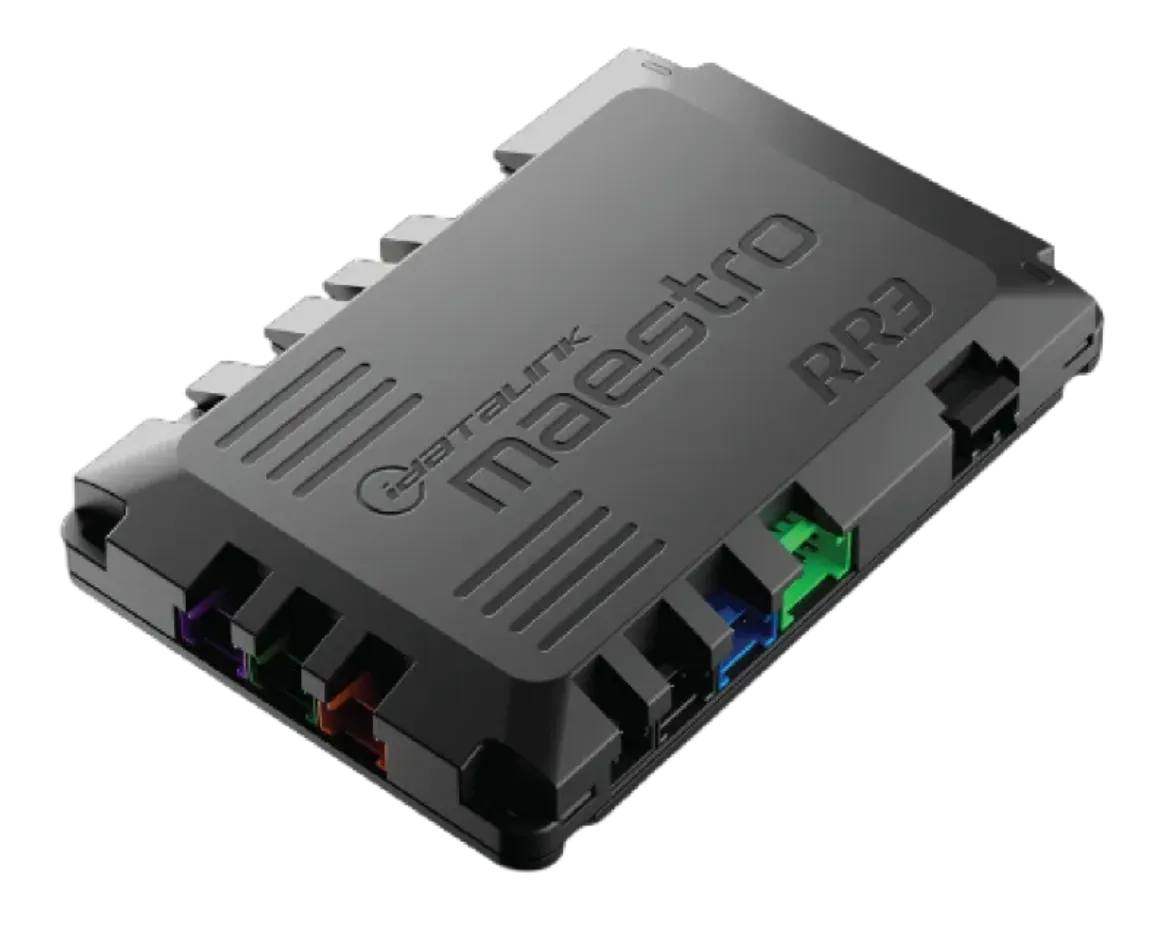
iDatalink Maestro ADS-MRR3 Advanced Radio Replacement Interface with Bluetooth Programming (replaces ADS-MRR2)
iDatalink Maestro ADS-MRR3 Advanced Radio Replacement Interface with Bluetooth Programming (replaces ADS-MRR2)
Couldn't load pickup availability
Buy with the right details confirmed
Confirm your exact year, model, factory equipment, and any required companion parts before ordering.
Check your vehicle in the MCOR Fit Guide- Authorized retailer New, authentic product from MCOR Automotive.
- Fast U.S. shipping Review shipping details
- Expert help since 2004 Ask MCOR before you order
- Clear return terms Review the return policy
ADS-MRR3 as the direct replacement for ADS-MRR2. RR3 adds an extra CAN connection, six multi-purpose outputs and a smaller housing. Your exact vehicle, factory equipment, aftermarket radio and installation harness still determine compatibility.
********AVAILABLE AFTER NOVEMBER 2026- PREORDER AVAILABLE**************
Upgrade your radio without treating your vehicle's factory electronics as an afterthought. The iDatalink Maestro ADS-MRR3 is an advanced radio replacement interface that connects a supported vehicle to a compatible aftermarket receiver. With the correct vehicle-specific harness and programming, it provides the communication needed for supported factory-feature retention and Maestro infotainment screens.
This is the interface module—not a radio, amplifier, dash kit or complete installation package. Start with your vehicle and receiver, then select the installation parts required for that exact combination.
Why choose Maestro ADS-MRR3?
- Direct RR2 successor: the current replacement for the ADS-MRR2 platform, as identified by Firstech.
- Additional CAN connection: supports the platform's expanded vehicle-coverage capability. Availability remains application- and firmware-dependent.
- Six multi-purpose outputs: more customization capability for supported installations; output use and configuration depend on the application.
- Smaller housing: an optimized enclosure for a cleaner installation where behind-dash space is limited.
- Bluetooth programming: program the module from a compatible iOS or Android mobile device using the supported Maestro programming process.
- Factory integration: preserves supported factory functions and provides exclusive Maestro screens with a compatible receiver. Basic radio-retention features are also available with some non-iDatalink-compatible radios.
Confirm your complete installation before ordering
RR3 is not a universal plug-and-play fit for every vehicle or radio. Retained controls, factory amplifier operation, chimes, vehicle information and on-screen functions vary by vehicle, trim, original audio system, firmware and aftermarket receiver. Not every feature is available on every installation.
- Choose your vehicle: use our Vehicle Fit Guide and identify the factory screen, amplifier and other equipment requested.
- Confirm the receiver: check the exact model against Maestro's compatible aftermarket products. Full Maestro screen integration requires a supported radio; basic retention is a different level of functionality.
- Select the vehicle-specific parts: add the correct Maestro harness or vehicle kit, plus any application-required antenna, camera, USB or other retention accessories. These are not included merely because you purchase the interface module.
- Program and install correctly: use the current vehicle/radio-specific firmware and follow the official Maestro installation guide. Programming and configuration are required before normal operation.
Technical overview
| Brand / platform | iDatalink Maestro RR3 |
|---|---|
| Manufacturer part number | ADS-MRR3 |
| Product role | Advanced radio replacement and factory-feature retention interface |
| Supersedes | ADS-MRR2 |
| Programming connectivity | Bluetooth programming from compatible iOS and Android devices |
| Output capability | 6 multi-purpose outputs (MPOs) |
| Vehicle-data connectivity | Additional CAN connection compared with RR2 |
| Fitment | Vehicle-, equipment-, radio- and firmware-specific; verification required |
| Condition | New |
What you are buying
One ADS-MRR3 interface module. The aftermarket receiver, vehicle-specific harness or dash kit, and application-specific accessories are sold separately. Do not assume a vehicle-specific harness is included with the module.
Build the right system
- Find the installation path for your exact vehicle
- Shop Maestro interfaces, vehicle harnesses and integration accessories
Common questions
Can I use RR3 instead of RR2?
Firstech lists RR3 as the direct replacement for RR2. Keep the installation application-specific: verify the correct harness, current firmware, receiver support and retained features before installation. RR3 does not turn an unsupported radio or vehicle installation into a supported one.
Does Bluetooth mean it adds wireless music streaming?
The Bluetooth feature described here is for module programming. Wireless music playback, Apple CarPlay and Android Auto capabilities are determined by the aftermarket receiver, not by purchasing this interface.
Do I need the module if I already have a Maestro harness?
A vehicle harness and a radio replacement interface perform different jobs. Follow the exact application guide to determine the interface and accessories your installation requires; a harness alone is not automatically a complete integration solution.
Share